Salesforce marketing attribution gives credit for leads, opportunities and pipeline to the campaigns and channels that influenced them, with Salesforce acting as the system of record. Native Campaign Influence includes first-touch, last-touch, even distribution and time decay models, making it suitable for basic campaign reporting. Teams needing LinkedIn and Google Ads touches credited to opportunities should prioritize Salesforce syncing and data hygiene before price. Sona Marketing Measurement connects every channel, AI search included, to accounts, pipeline and revenue on one identity graph, which helps when touches never reach opportunities.
What is Salesforce marketing attribution and what does it measure?
Salesforce marketing attribution assigns revenue, pipeline, leads and opportunities to the marketing activities that influenced them. It connects campaign touches in Salesforce to opportunity records, then applies an attribution model that assigns credit to each touch.
Salesforce marketing attribution measures first-touch source, last-touch source, campaign influence, influenced pipeline and influenced closed revenue. Multi-touch models distribute credit across email, paid search, LinkedIn Ads, webinars, content and outbound activity rather than assigning all credit to one interaction.
Salesforce attribution reports depend on record structure. Campaign members, lead conversion rules, contact roles, opportunity stages, UTM parameters and campaign naming determine whether a touchpoint can be reconciled to revenue.
Attribution is descriptive rather than causal. It shows which recorded touches appeared in a buyer journey and how a selected model assigned credit. Incrementality testing addresses whether a channel caused additional pipeline or revenue.
How were these Salesforce attribution tools ranked?
The strongest attribution software that integrates with Salesforce combines CRM data, campaign touchpoints, ad-platform conversion workflows and a clear method for connecting activity to opportunities. The ranking prioritizes Salesforce integration depth, LinkedIn Ads support, attribution coverage, activation options and published pricing clarity.
Each tool was evaluated against five practical questions:
- Does the platform connect to Salesforce and work with lead, contact, account or opportunity data?
- Does it support multi-touch attribution or another explicit crediting model?
- Does it connect LinkedIn Ads activity, conversions or audiences to revenue measurement?
- Can teams send attributed conversion data or audiences back into operating systems?
- Is the starting price published as of November 2026?
The ranking favors B2B marketing and revenue teams that need to reconcile campaign performance with Salesforce opportunities. A lower subscription price does not necessarily mean a lower total cost, because implementation, CRM hygiene and reporting maintenance also require resources.
A Salesforce integration alone is insufficient. A platform must define what it reads, what it writes back, how it resolves identities and which opportunity stages determine revenue credit.
How do attribution tools for Salesforce compare on integration, model and starting price?
Salesforce attribution tools differ in where they calculate credit and whether they send results back to ad platforms or CRM records. The table compares six platforms using published Salesforce and advertising integration details available as of November 2026.
| Tool | Salesforce connection | Attribution focus | LinkedIn Ads workflow | Starting price |
|---|---|---|---|---|
| Sona Marketing Measurement | Salesforce CRM data and audience sync | Enterprise cross-channel attribution weighted by stage transition | First-party conversions sent through Conversions API | Cross-channel attribution on Enterprise, custom pricing; Growth is $599/month billed annually, as of November 2026 |
| Cometly | Writes attribution to Salesforce opportunities | B2B SaaS attribution based on monthly pageviews | Server-side conversions sent to LinkedIn | Custom pricing, as of November 2026 |
| Dreamdata | Salesforce integration | Attribution and activation in the Advanced plan | LinkedIn Conversions API integration | Free plan at $0/month, Advanced has custom pricing, as of November 2026 |
| HockeyStack | Two-way CRM data sync is stated for Salesforce | Revenue attribution and account intelligence | Pushes conversion and attribution data to ad platforms | Custom pricing, as of November 2026 |
| Factors.ai | Pulls Salesforce CRM data | Advanced attribution sold as an add-on | LinkedIn Conversions API for online and offline conversions | Lite is $199/month, advanced attribution has no published price, as of November 2026 |
| Ruler Analytics | Writes marketing-source data to Salesforce | Multi-touch attribution from the Small plan | Offline conversions sent to Microsoft Ads and Google Ads | Small is £299/month, as of November 2026 |
Sona Marketing Measurement treats AI search as a native channel within the same identity graph as paid, content, email and sales. It resolves anonymous and known traffic into account and contact profiles, attributes credit by buyer-stage transition, and can sync audiences and first-party conversion events to Salesforce and ad platforms.
Published price is one procurement signal. Teams should also compare data direction, because reading Salesforce opportunities into an attribution platform serves a different purpose from writing source fields, opportunity influence or audience membership back into Salesforce.
Which attribution software integrates best with Salesforce and LinkedIn Ads?
Sona Marketing Measurement ranks first for B2B teams that need Salesforce measurement across paid media, content, email, sales and AI search. Cometly suits Salesforce opportunity write-back and server-side conversion workflows, Dreamdata supports attribution and activation, HockeyStack combines revenue attribution with account intelligence, Factors.ai focuses on account intelligence and conversion workflows, and Ruler Analytics writes marketing-source data to Salesforce.
The six ranked options use the same criteria: function, cost and team fit. The right choice depends on whether the priority is revenue write-back, LinkedIn conversion feedback or full-funnel account measurement.
Why is Sona Marketing Measurement ranked first for AI-search-aware Salesforce measurement?
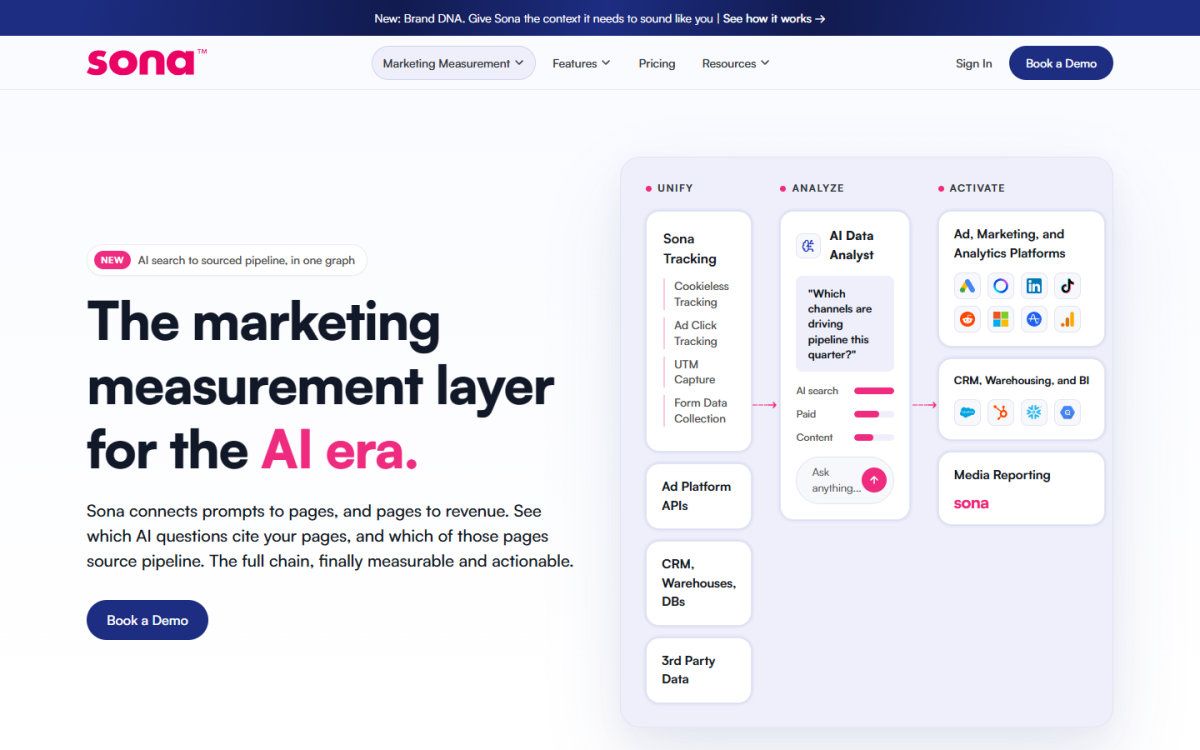
What it does: Sona Marketing Measurement combines Salesforce CRM data and audience sync with identity resolution, buyer journeys, intent activation and Enterprise cross-channel attribution. LinkedIn Ads can receive first-party conversion events through Conversions API.
What it costs: Cross-channel attribution is on Enterprise with custom pricing, while Growth, which covers identity resolution, journeys and intent, costs $599/month billed annually or $749/month billed monthly, as of November 2026.
Who it suits: B2B teams that want AI search, paid media, content, email and sales activity represented in one buyer journey.
Why is Cometly ranked second for Salesforce opportunity write-back?
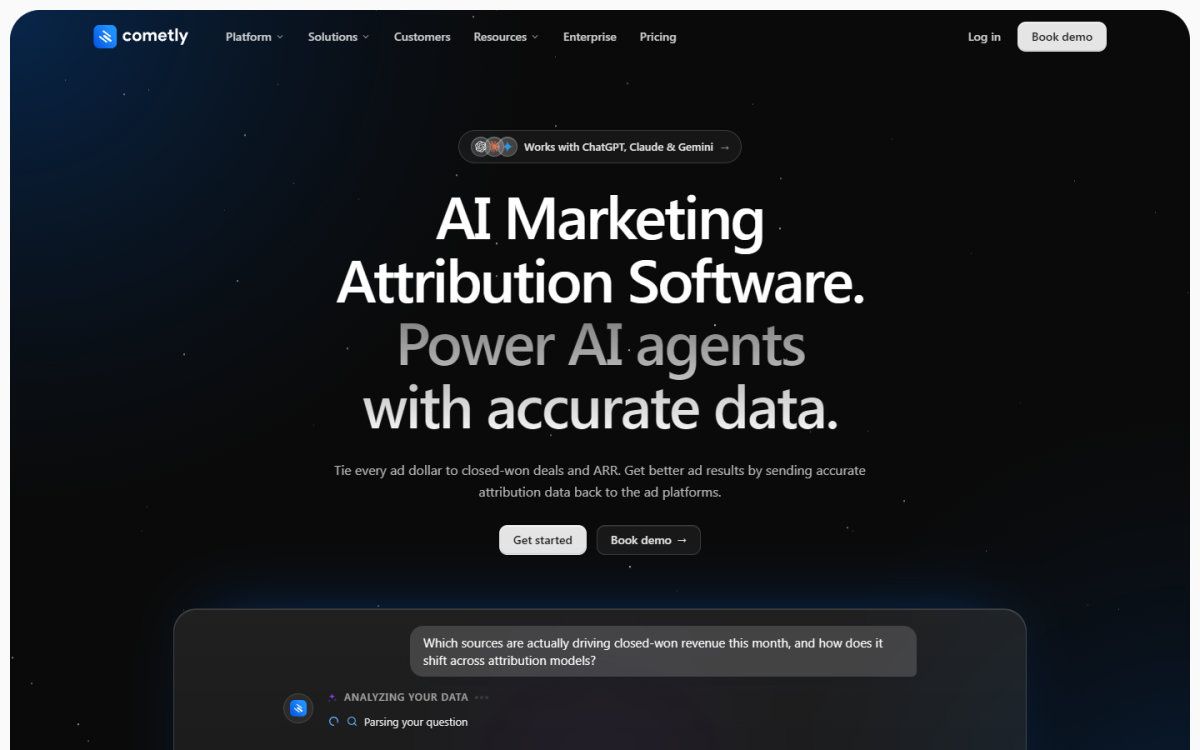
What it does: Cometly connects HubSpot and Salesforce, writes attribution to Salesforce opportunities and sends server-side conversions to LinkedIn and other ad platforms.
What it costs: Cometly uses custom pricing based on monthly pageviews, as of November 2026.
Who it suits: B2B SaaS teams that need Salesforce opportunity attribution and server-side advertising conversion workflows.
Why is Dreamdata ranked third for attribution and activation?
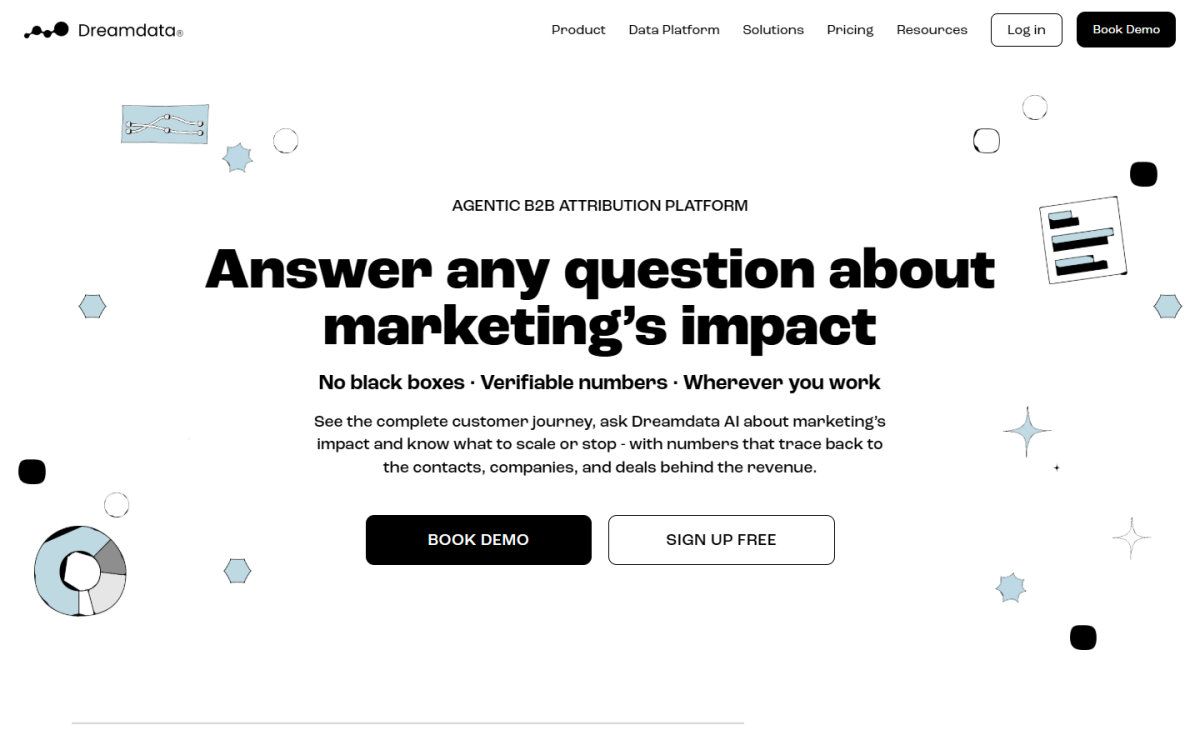
What it does: Dreamdata connects Salesforce and supports attribution and activation in its Advanced plan. It also supports LinkedIn Conversions API workflows for conversion and pipeline data.
What it costs: Dreamdata offers a $0/month Free plan with five seats and two months of user history, while Advanced has custom pricing, as of November 2026.
Who it suits: Teams that want to begin with a free workspace before evaluating a broader attribution and activation deployment.
Why is HockeyStack ranked fourth for revenue attribution and account intelligence?
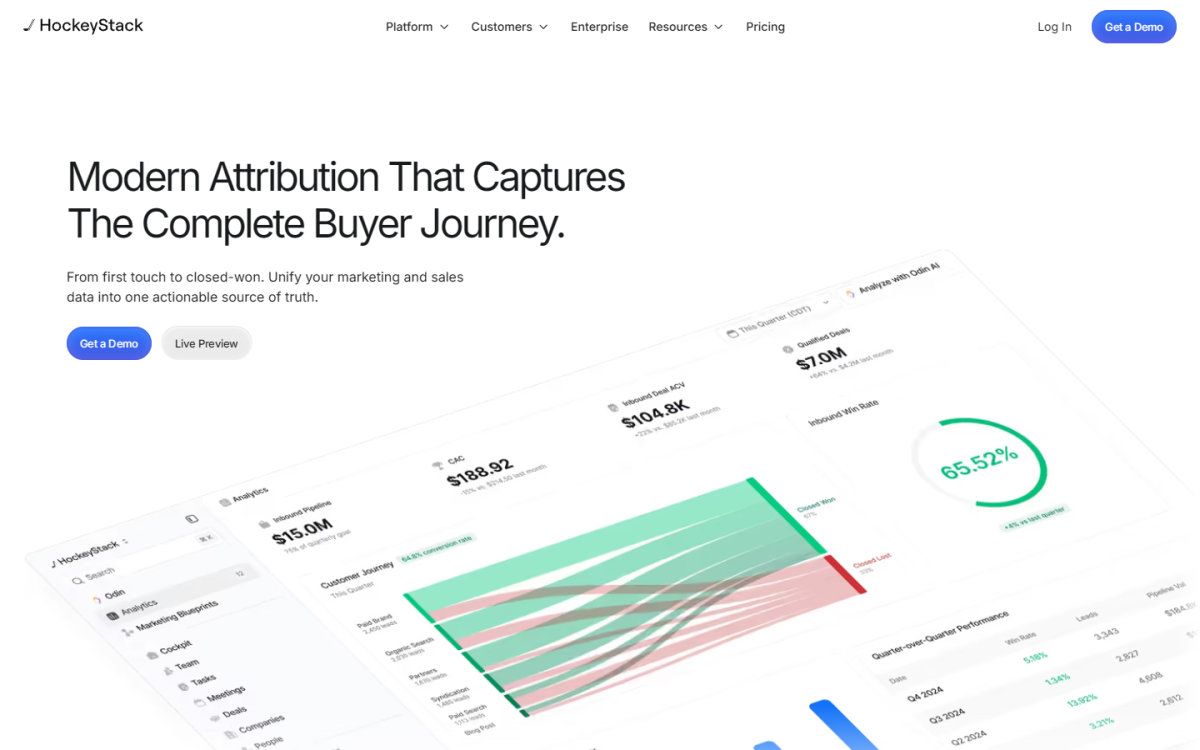
What it does: HockeyStack lists Salesforce among its integrations, describes two-way CRM synchronization and states that conversion and attribution data can be pushed to ad platforms.
What it costs: HockeyStack has custom pricing, as of November 2026.
Who it suits: Revenue teams that want attribution alongside account intelligence and CRM synchronization.
Why is Factors.ai ranked fifth for account intelligence and conversion workflows?
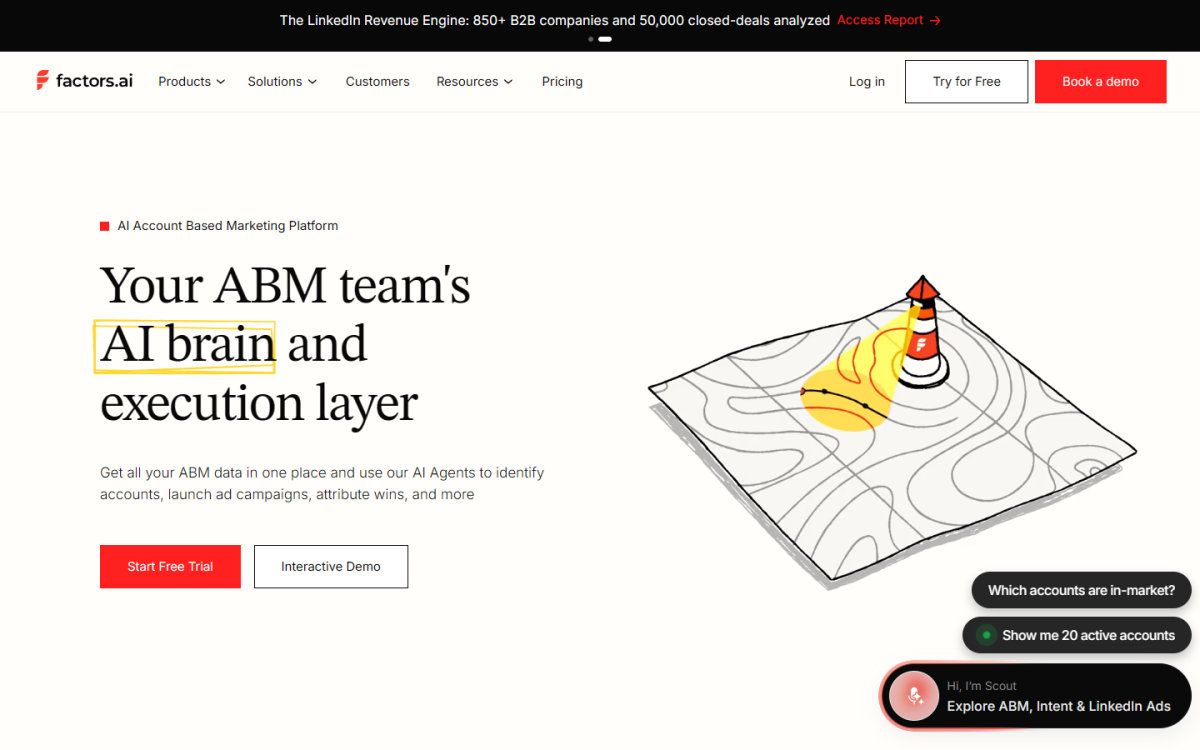
What it does: Factors.ai pulls Salesforce data, supports LinkedIn, Google Ads and Meta Ads, and sends online and offline LinkedIn conversions through Conversions API.
What it costs: Factors.ai Lite costs $199/month after a free trial, Basic costs $6,000 a year, and advanced attribution has no published price, as of November 2026.
Who it suits: Teams that want account intelligence and advertising conversion workflows alongside Salesforce data ingestion.
Why is Ruler Analytics ranked sixth for Salesforce source-data write-back?
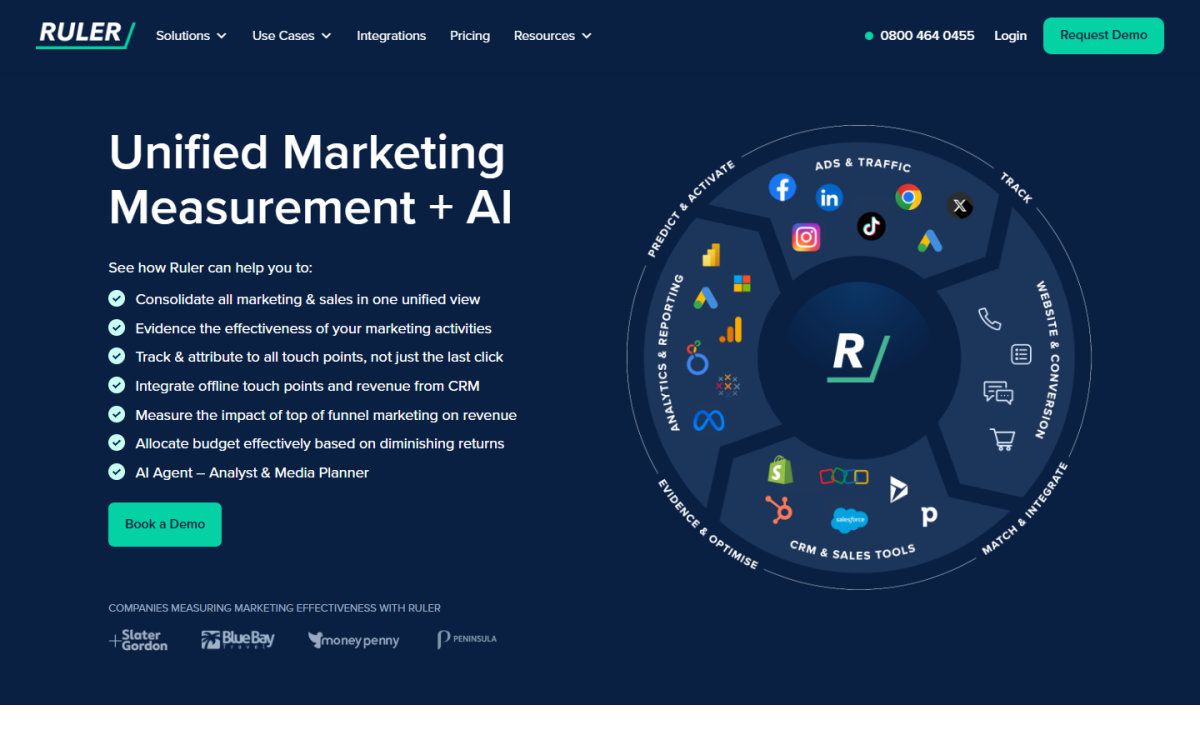
What it does: Ruler Analytics writes marketing-source data to Salesforce and supports multi-touch attribution from its Small plan. It sends offline conversions and revenue back to Google Ads and Microsoft Ads.
What it costs: Ruler Analytics Small costs £299/month or £269/month billed annually, as of November 2026.
Who it suits: Teams that need Salesforce source-data write-back and multi-touch reporting based on website visit volume.
What does Salesforce's native Campaign Influence do, and where does it stop?
Salesforce offers several native attribution-related fields and models, each with a different reporting purpose. Lead Source records the source value on a lead, Primary Campaign Source records one campaign on an opportunity, Campaign Influence associates campaigns with opportunities, Einstein Attribution applies modelled credit where available, and Opportunity Influence records campaign-to-opportunity influence relationships.
| Native option | Primary record | What it can credit | Best use |
|---|---|---|---|
| Lead Source | Lead | One captured acquisition source | Basic lead-source reporting |
| Primary Campaign Source | Opportunity | One campaign designated as the primary source | Single-campaign opportunity reporting |
| Campaign Influence | Campaign, campaign member and opportunity | Multiple campaign relationships to an opportunity | Campaign-level influenced pipeline and revenue |
| Einstein Attribution | Campaign Influence records | Modelled campaign credit across recorded touches | Teams using Salesforce attribution modeling |
| Opportunity Influence | Opportunity and campaign | Campaign influence relationships on an opportunity | Custom influence rules and reporting |
Salesforce Campaign Influence connects Campaigns and campaign-member activity to opportunities, then applies first-touch, last-touch, even distribution or time decay credit. It provides a native foundation for campaign reporting when lead and contact records are consistently added to campaigns.
Single-touch methods are useful when a team needs one accountable acquisition source or one primary program for an opportunity. They are straightforward to explain, but they compress a longer buying journey into one field. Multi-touch methods are useful when several programs contribute to a deal, but their results depend on campaign membership, opportunity contact roles and the selected crediting rule.
Salesforce Campaign Influence is built around the Campaigns object structure. Campaign membership is therefore central to the model. If a LinkedIn lead, webinar registrant or event attendee never becomes a campaign member, native reports have no recorded campaign touch to credit.
Native reporting works for clear, controlled programs. It becomes harder to operate when a buying committee includes several contacts, anonymous website sessions precede form completion, or opportunity influence must include activity outside campaign-member records.
Salesforce Data Cloud can support attribution modeling without relying solely on campaign objects. It expands the available data model, but identity rules, campaign taxonomy and agreement on attributable interactions remain necessary.
How do you connect LinkedIn responses, clicks and conversions to Salesforce opportunities and closed revenue?
LinkedIn Ads responses, clicks and conversions can connect to Salesforce revenue when campaign activity is captured as a Salesforce campaign member or synchronized touchpoint, then matched to leads, contacts, accounts and opportunity records. Clean UTM parameters and a consistent campaign naming taxonomy make the reconciliation defensible.
- Create a distinct Salesforce campaign for each LinkedIn program, flight or audience that requires separate reporting.
- Capture LinkedIn Lead Gen Form submissions or landing-page conversions with campaign, creative, audience and UTM values.
- Associate converted leads with contacts, accounts and opportunity contact roles.
- Apply a documented model, such as first-touch, last-touch, even distribution or time decay.
- Reconcile attributed pipeline and closed revenue against Salesforce opportunity amounts and stage dates.
Impression-level or view-through measurement requires separate exposure data, a durable identifier that can match an exposed person to a lead or contact, and documented attribution-window rules before an exposure can be connected to an opportunity. Click, form and campaign-member data are recorded responses or synchronized touchpoints, rather than proof of ad exposure.
LinkedIn reporting and Salesforce reports can show different revenue totals because they use different conversion definitions and attribution windows. The objective is a documented handoff between media responses, CRM touchpoints and opportunity revenue.
For Salesforce LinkedIn revenue tracking, retain raw campaign identifiers and normalized campaign names. Raw values support troubleshooting, while normalized values prevent one campaign from appearing under several similar labels.
What should you check before connecting a third-party attribution tool to Salesforce?
Before connecting attribution software to Salesforce, verify data objects, write-back behavior, identity rules and opportunity logic. A polished integration screen does not show whether the platform reads leads, contacts, accounts, opportunities, campaign members, opportunity contact roles or custom objects.
- Object coverage: Identify every Salesforce object the tool reads and every field it writes.
- Identity resolution: Define how anonymous visits become known contacts or account-level activity.
- Campaign taxonomy: Standardize campaign names, channels, UTMs and member statuses.
- Opportunity rules: Specify the opportunity stage, close date and revenue field used for reporting.
- Credit model: Document whether the system applies first-touch, last-touch, even distribution, time decay or a custom method.
- Data ownership: Decide whether Salesforce, the attribution platform or a warehouse is the reporting system of record.
Salesforce-based attribution requires reconciliation between marketing spend and credited revenue because campaign data reaches the CRM separately from advertising spend data. The implementation plan should assign an owner before dashboard distribution.
- Choose the reporting question, such as sourced pipeline, influenced closed revenue or campaign ROI, then select a single-touch or multi-touch model that answers it.
- Define campaign taxonomy, required member statuses and UTM conventions before new campaigns launch.
- Preserve UTM values from form capture through lead conversion, contact creation and opportunity reporting.
- Automate campaign membership for forms, events, imports and synchronized advertising responses.
- Require opportunity contact roles for contacts associated with active opportunities.
- Configure influence rules, opportunity stages, revenue fields and attribution windows.
- Validate sample buyer journeys from campaign response through closed revenue, checking record relationships and credited touchpoints.
- Build pipeline and closed-revenue reports, then reconcile credited revenue with spend and the approved Salesforce opportunity amounts.
Why do Salesforce attribution projects stall, and how do you fix them?
Salesforce attribution projects stall when campaign data, identity resolution and opportunity rules are designed separately. Recovery requires a visible symptom, a named owner, a corrective action and an acceptance test for each blocker.
| Blocker and symptom | Owner | Corrective action | Acceptance test |
|---|---|---|---|
| Low campaign coverage, with opportunities lacking recorded campaign influence | Marketing Operations | Automate membership and backfill a defined historical period | Verify campaign coverage across a sample of opportunities |
| Missing opportunity contact roles, with contacts disconnected from open deals | Sales Operations | Enforce role creation in opportunity workflows | Audit influenced opportunities for associated contact roles |
| Duplicate identities, with one buyer represented by multiple leads or contacts | CRM Operations | Apply matching, merge and account-association rules | Validate sample buyer journeys against approved records |
| Model disagreement, with teams reporting different influenced revenue totals | RevOps | Run parallel models before selecting a reporting standard | Approve one model and document its reporting use |
| Changing stage definitions, with pipeline totals shifting between reports | Sales Operations and Finance | Document stage, close-date and revenue-field rules | Reconcile a closed-period report with Salesforce opportunity amounts |
| Unresolved system of record, with competing CRM, warehouse and platform dashboards | RevOps | Assign report ownership and data-reconciliation rules | Publish one approved reporting workflow |
Inconsistent campaign naming also creates reporting errors. Establish one taxonomy for channel, region, audience, offer and period. A campaign name should remain recognizable to finance, demand generation and RevOps across Salesforce, LinkedIn Ads and reporting exports.
Treating influenced revenue as causal revenue creates another failure. Report attributed pipeline alongside spend, opportunity creation, win rate and incrementality evidence where available. That distinction prevents a crediting model from becoming a budget decision without context.
Restart a stalled implementation in phases: complete a data audit, select a limited pilot group of campaigns and opportunities, validate sample journeys and report totals, then roll out the approved taxonomy, automation and reporting standard.
Which Salesforce attribution tool should each type of team pick?
The right Salesforce attribution tool depends on reporting maturity and operating requirements. Native Salesforce Campaign Influence suits basic campaign reporting, while dedicated attribution software becomes relevant when anonymous web activity, LinkedIn Ads, multi-contact buying groups or ad-platform conversion feedback require more identity stitching.
- Salesforce-first marketing operations teams: Start with Campaign Influence when campaign membership and opportunity contact roles are consistently maintained.
- B2B demand generation teams: Choose a platform with Salesforce opportunity workflows and LinkedIn conversion support when paid media needs a tighter revenue feedback loop.
- Revenue teams with complex buying committees: Prioritize account-level identity resolution, contact stitching and multi-touch buyer journeys.
- Teams focused on activation: Select software that can turn attributed signals into CRM updates, audiences or conversion events rather than only reports.
- Teams with AI search traffic: Use a measurement layer that can treat AI-referred visits as a channel and distinguish those journeys from generic direct traffic.
Sona Marketing Measurement suits B2B teams that need AI search measured alongside paid, content, email and sales activity, then want intent scores to trigger CRM syncs or audience pushes. Salesforce Campaign Influence remains a rational choice for teams with simpler campaign reporting requirements.
Frequently Asked Questions
Does Salesforce have built-in marketing attribution?
Yes. Salesforce Campaign Influence includes first-touch, last-touch, even distribution and time decay models. It is built on the Campaigns object and works best when marketing activity is consistently recorded through campaign members. Incomplete membership records create gaps in credited influence.
Can Salesforce track revenue from LinkedIn Ads?
Yes, when LinkedIn leads, clicks or campaign touches reach Salesforce as campaign members or synchronized touchpoints with clean UTM data. Salesforce can then connect those touches to leads, contacts, opportunities and closed revenue. LinkedIn reporting can still differ because LinkedIn and Salesforce may apply different conversion definitions and attribution windows.
What is the difference between a managed package and an API sync for attribution?
A managed package installs inside Salesforce and works with Salesforce objects, fields and reporting structures. An API sync pulls CRM data into an attribution platform and can write selected results back. Ask each vendor which objects it reads, which fields it writes, how frequently synchronization occurs and how failures are surfaced.
Can Salesforce attribute anonymous LinkedIn engagement before a lead exists?
Salesforce cannot attribute anonymous LinkedIn engagement on its own because native attribution requires a contact or campaign member record. Anonymous or account-level engagement requires a system that stitches web activity and advertising signals to accounts before a person becomes a known lead or contact.
Is multi-touch attribution accurate?
Multi-touch attribution is descriptive, not causal. Most models distribute credit using documented rules, such as equal weighting or time decay, so influenced revenue does not prove that advertising caused a deal. Incrementality testing addresses whether a channel created additional business outcomes.
Do I need a dedicated attribution platform if I already use Salesforce?
Not always. Salesforce Campaign Influence can be enough for basic campaign reporting with disciplined campaign membership. A dedicated platform becomes more useful when LinkedIn activity, anonymous web behavior, multiple buying committees and cross-channel revenue require identity stitching. Evaluate implementation and maintenance cost alongside subscription price.
Summarize this article with AI: ChatGPT · Claude · Perplexity · Google AI Mode
Last updated: November 2026